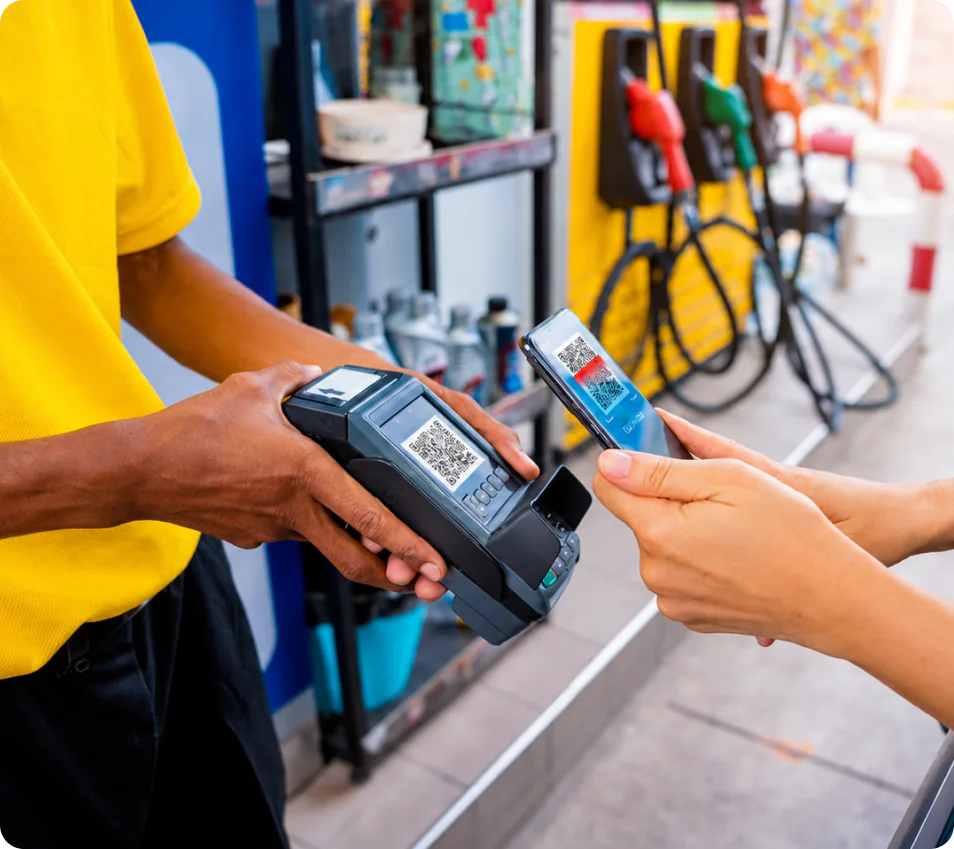
Scan what they’re buying.
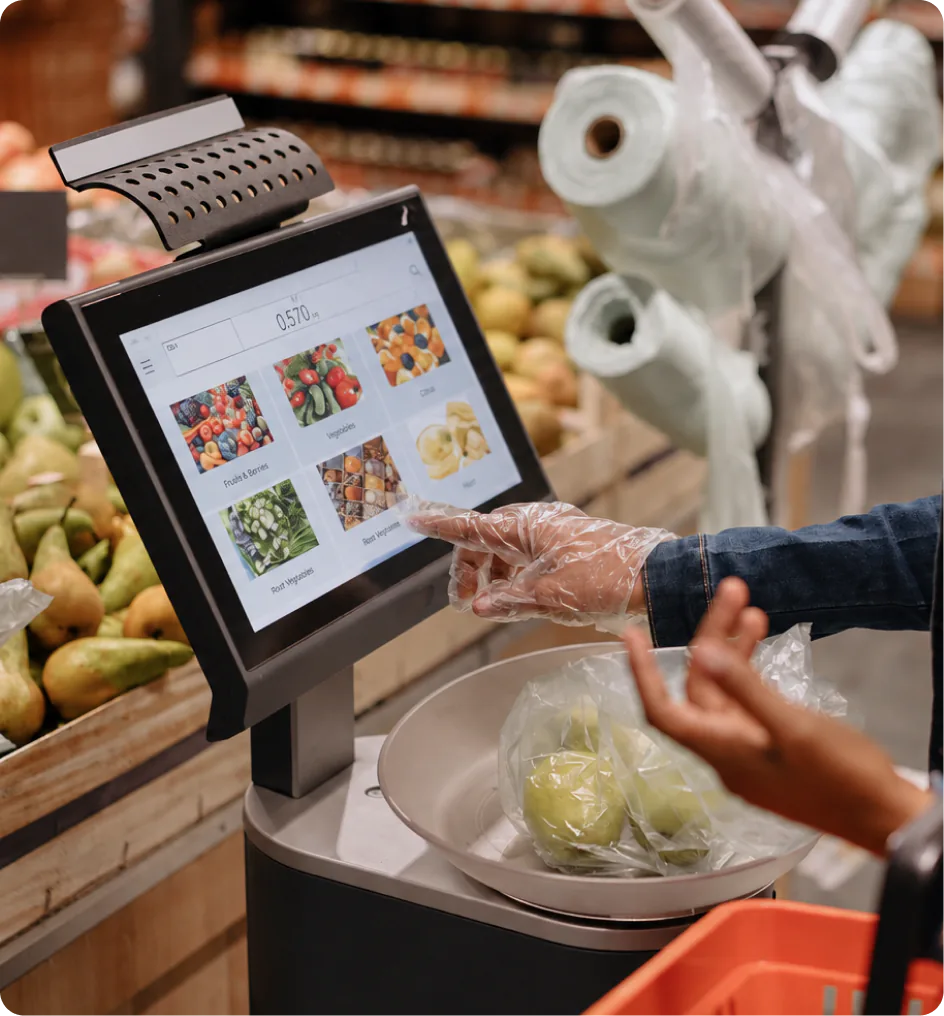
Click “New sale” in your dashboard. With your barcode scanner connected, scan a product and Xara selects it for the sale. You can also pick items from your catalogue.
Scan products, record cash or card payments, and keep your stock up to date. Every counter sale stays connected to your WhatsApp and website.

Scan products, record payments, and keep your inventory and customer activity in sync with Xara.
Open a new sale, scan what’s on the counter, and record how they paid. Xara keeps the sale and stock together.
Click “New sale” in your dashboard. With your barcode scanner connected, scan a product and Xara selects it for the sale. You can also pick items from your catalogue.
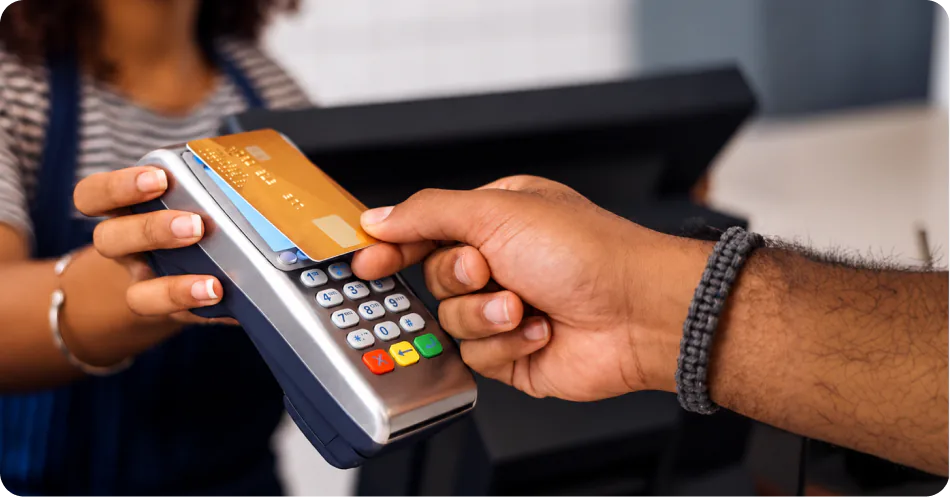
Once the customer has paid, choose Cash or Card to record the payment. The items are marked as sold in Xara.
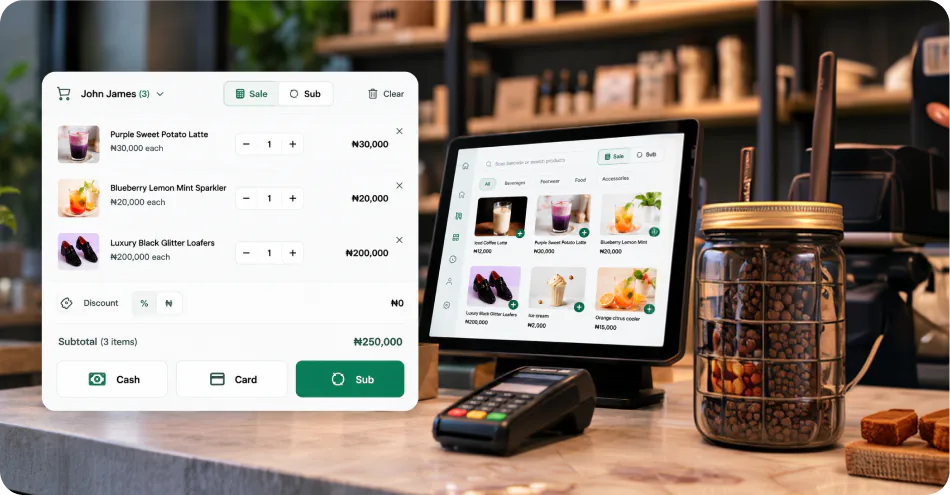
Xara updates your stock as you sell. Your counter, website and WhatsApp use the same inventory, so there’s no second stock list to update.
Someone buys in your shop and your stock updates online too. Your POS, WhatsApp and Xara website share the same catalogue and sales records, so you don’t have to enter the sale again.

From retail shops and restaurants to pharmacies and gyms, businesses use POS to take payments, track sales, and keep their stock in check.
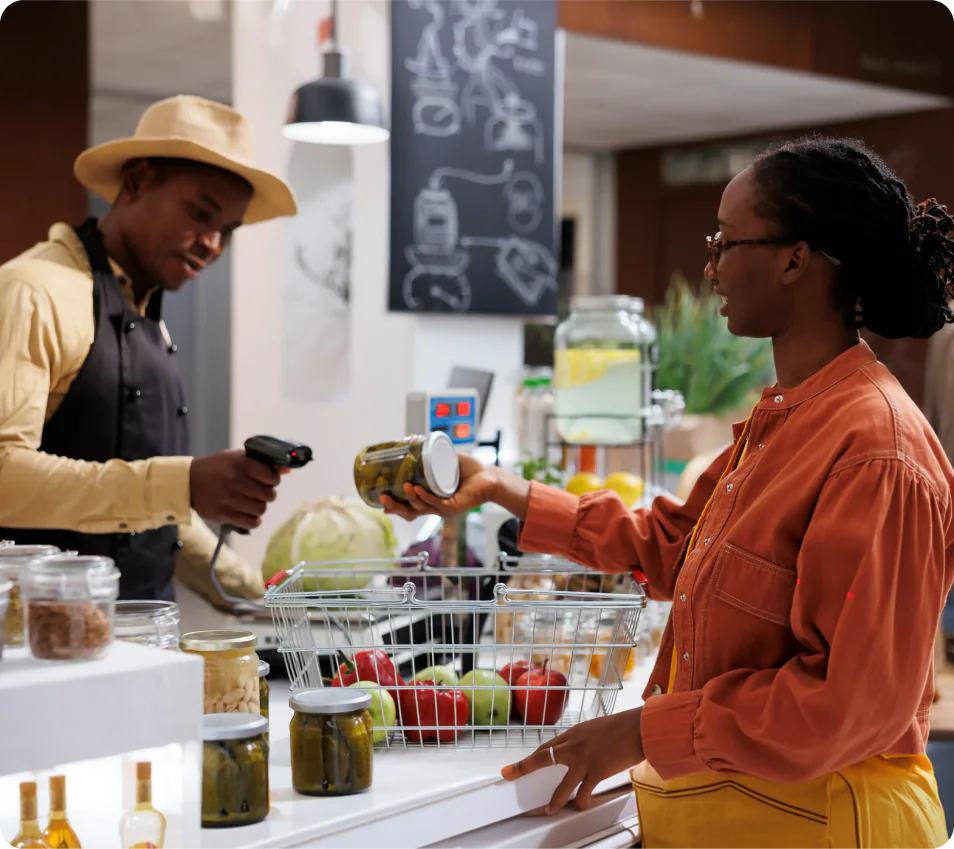
Ring up sales, accept payments, and keep track of every item sold all from one simple POS.
Still have a question? Book a demo, and we’ll walk you through POS.
Open your Xara Business Dashboard and select POS. Click “New sale” when you’re ready to serve a customer.
Yes. Connect your barcode scanner and scan an item when making a new sale. Xara selects the matching product from your catalogue. You can also select products from the catalogue yourself.
You’re recording how the customer paid. Take the payment first, then select Cash or Card in Xara to record the sale and update your stock. Selecting Card does not charge the customer’s card.
No. The cashier can work from the dashboard at the counter. The sale still stays connected to the same business you manage through Xara on WhatsApp.
No. Your POS, Xara website and WhatsApp share your business catalogue and inventory. A counter sale updates the same stock you sell from online.